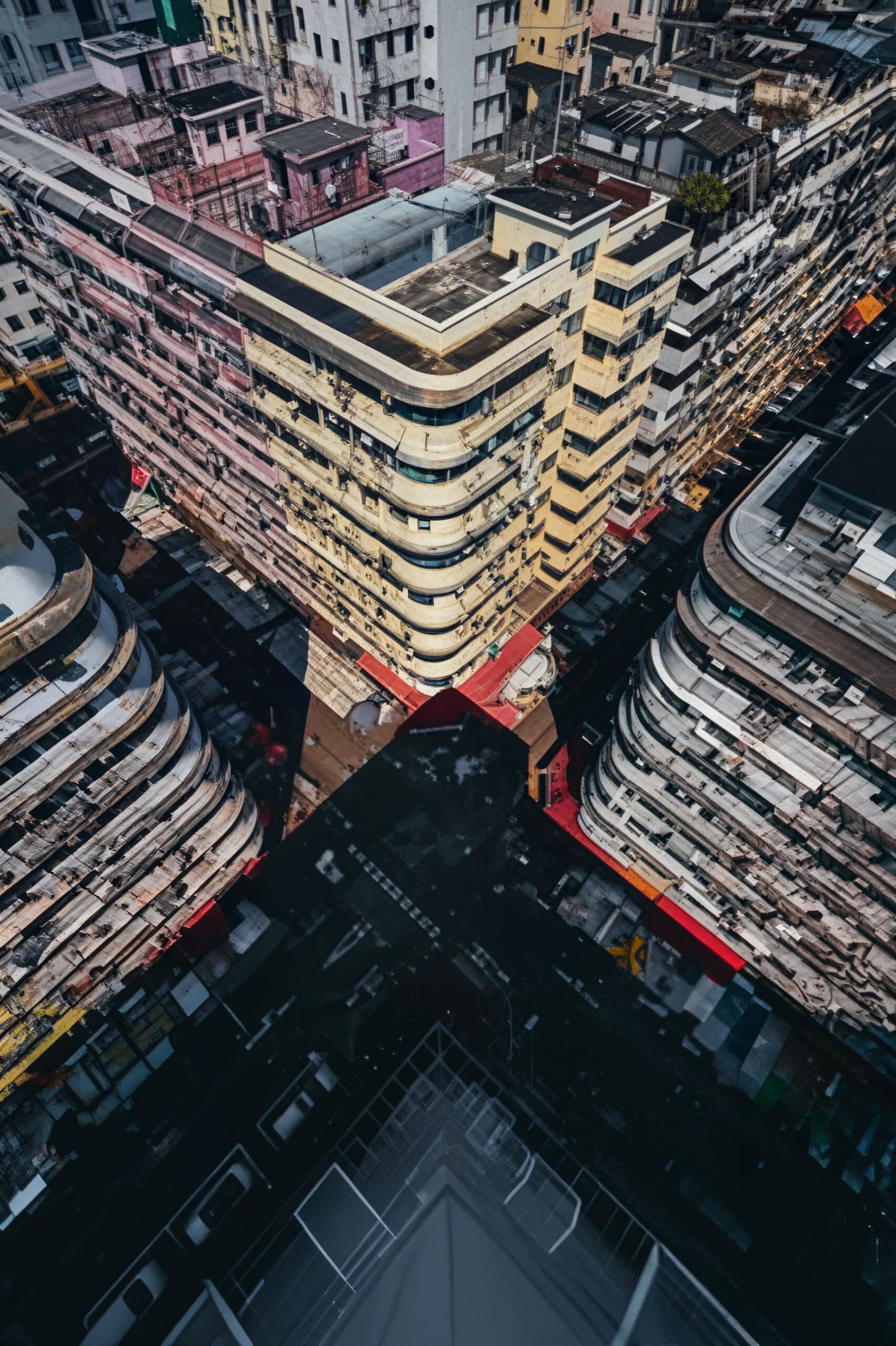



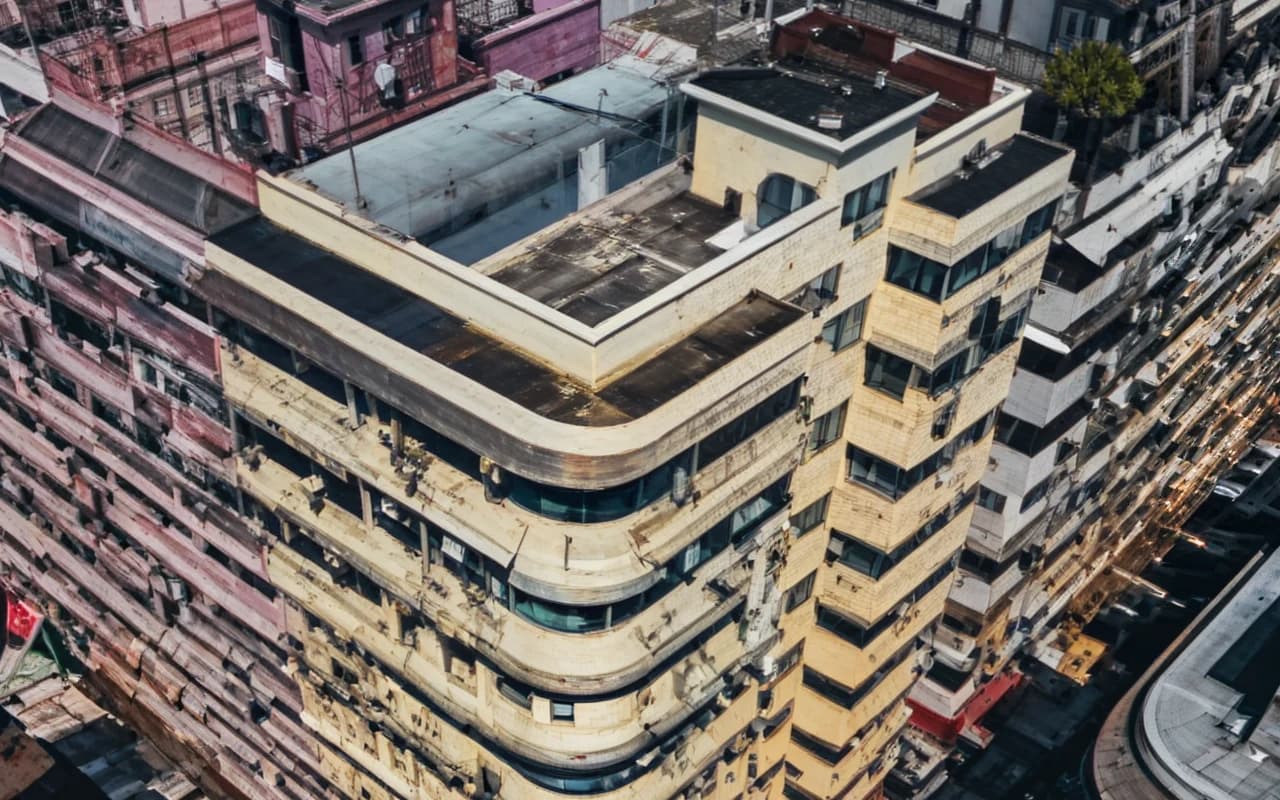



What 8× means in pixels
8× multiplies the width and the height by eight, so the picture gets 64 times as many pixels. A 320 × 213 thumbnail becomes 2560 × 1704. A 960 × 540 image becomes 7680 × 4320, the size of an 8K screen.
The output is limited to 80 MP, so Upscale 8× accepts images up to 1.25 MP, for example 1280 × 960. Larger files are refused before upload, and no credits are used. If your image is bigger than that, Upscale 4× is the better tool anyway.
Out of every 64 pixels in the result, only one is backed by a pixel from your original. The other 63 have to be rebuilt. That is where 8× differs from 4×, and why it suits some photos far better than others.