Skip to content

Honest comparison

Bigjpg alternative for photos

Bigjpg is a long-running AI enlarger that shines on anime and illustrations, with very low prices. PhotoRescue is built for photographs, including the noisy and compressed ones phones produce. An honest look at both.

  • Checked October 2026
  • Where they are better, too
  • No affiliate links

Facts about other products checked on 9 October 2026 on their own websites. Prices change; check before you buy. PhotoRescue is not affiliated with any product on this page.

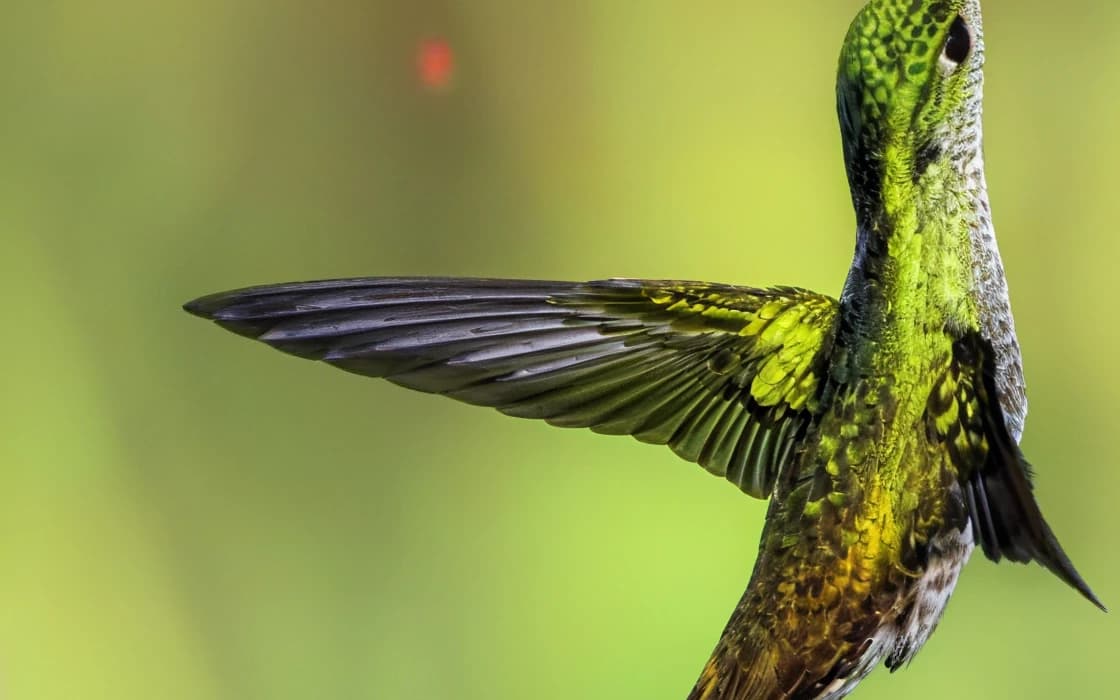
Hummingbird at a flower: After
Hummingbird at a flower: Before
BeforeAfter

Upscale 4× · 480×337 → 1920×1348 · 100% crop

Left: the 480 × 337 px original with a standard resize. Right: PhotoRescue Upscale 4×. · Photo: Chris Charles / Unsplash

The short answer

Choose Bigjpg if…

  • You upscale anime, illustrations, line art: that is what Bigjpg says it processes best.
  • You process many images on a budget: its prepaid plans cost a fraction of a cent per image.
  • You need 16× or uploads up to 50 MB (paid plans).
  • You want to choose the noise reduction level yourself (five levels).

Choose PhotoRescue if…

  • You are working with photographs: landscapes, animals, products, people.
  • Your photo is a grainy night shot or a chat-app copy: Enhance repairs it at the same size.
  • You want to try a few photos free each day (3 credits) rather than a monthly allowance.
  • You want 8× from a small photo (up to 1.25 MP in), with natural texture added for landscapes and nature.

Bigjpg vs PhotoRescue

Bigjpg vs PhotoRescue
BigjpgPhotoRescue
Built forAnime and illustrations (its own description); photos also acceptedPhotographs, especially phone photos
Scales2×, 4×, 8×, 16× (free up to 4×)1× (Enhance), 4×, 8× (8× uses 2 credits, also on the free plan)
Noise reductionFive levels, from none to highestNo settings; Enhance removes phone noise and compression at the same size
Free20 images a month, up to 5 MB and 3000 × 3000 px3 free credits a day, no sign-up, watermarked, up to 3 MB / 8 MP
PaidPrepaid: Basic $6 for 2 months (500/month), Standard $12 for 6 months (1,000/month), Premium $22 for 12 months (2,000/month)Pro $9.99/month (200 credits), Pro+ $19.99/month (500 credits); 1 credit per photo; Upscale 8× uses 2
Upload limit (paid)50 MB20 MB, 30 MP
BatchPaid plansPaid plans, up to 50 photos
File retentionDeleted within 24 hours (72 hours on Premium)Deleted within 24 hours

Sources: bigjpg.com home and pricing information, checked 9 October 2026.

What PhotoRescue's output looks like

100% crops from our own models, so you know what you are comparing against. We do not show Bigjpg results here: run your own photo through both instead (see below). More in the gallery.

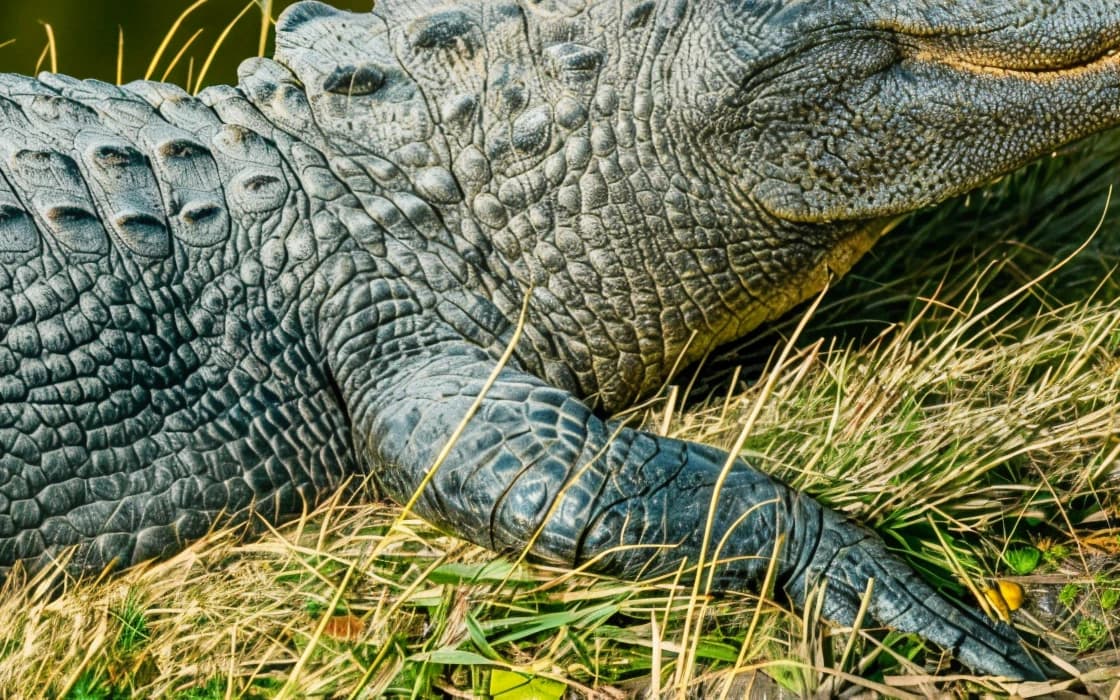
Alligator in the grass: After
Alligator in the grass: Before
BeforeAfter

Upscale 4× · 480×297 → 1920×1188 · 100% crop

Alligator in the grassLeft: the 480 × 297 px original with a standard resize. Right: PhotoRescue Upscale 4×. · Photo: Kyaw Tun / Unsplash
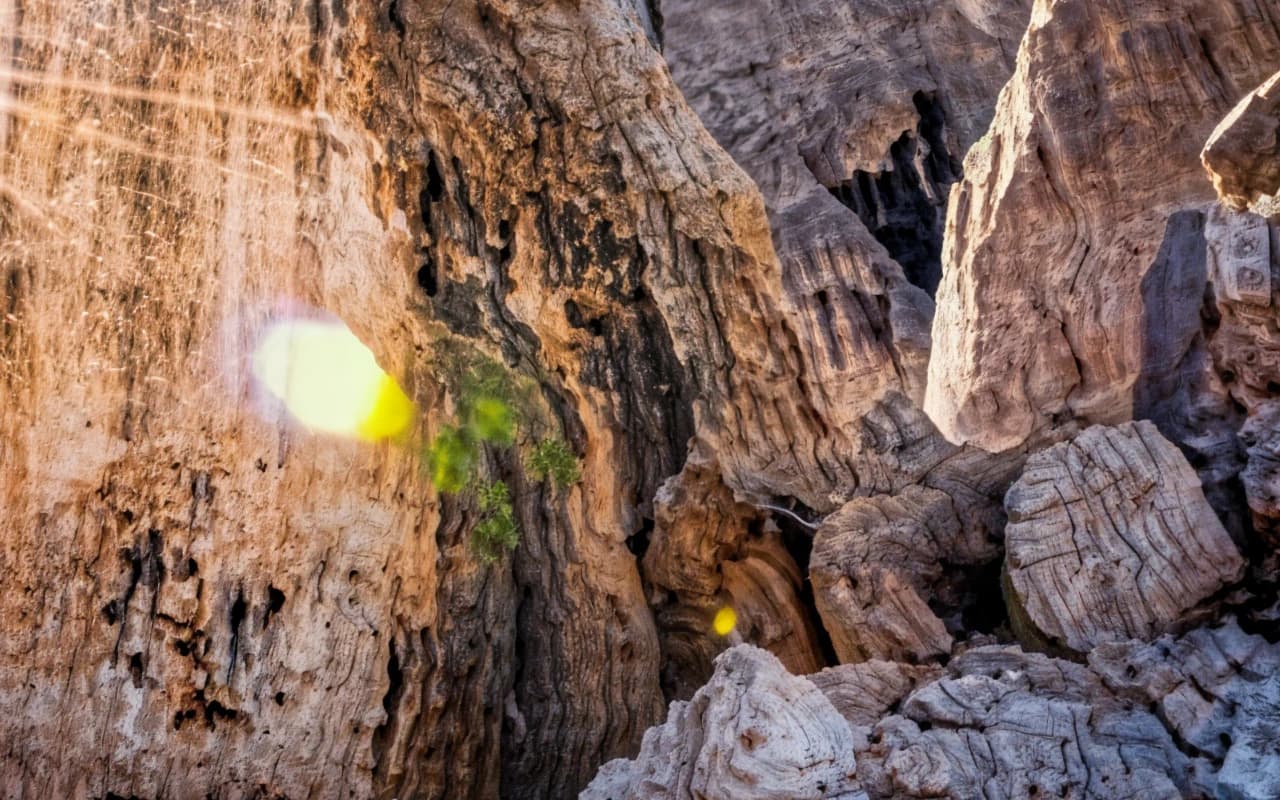
Rock spires at sunrise: After
Rock spires at sunrise: Before
BeforeAfter

Upscale 8× · 320×208 → 2560×1664 · 100% crop

Rock spires at sunriseLeft: the 320 × 208 px original with a standard resize. Right: PhotoRescue Upscale 8×. · Photo: 🧔‍♂️ Michal Kmeť / Unsplash
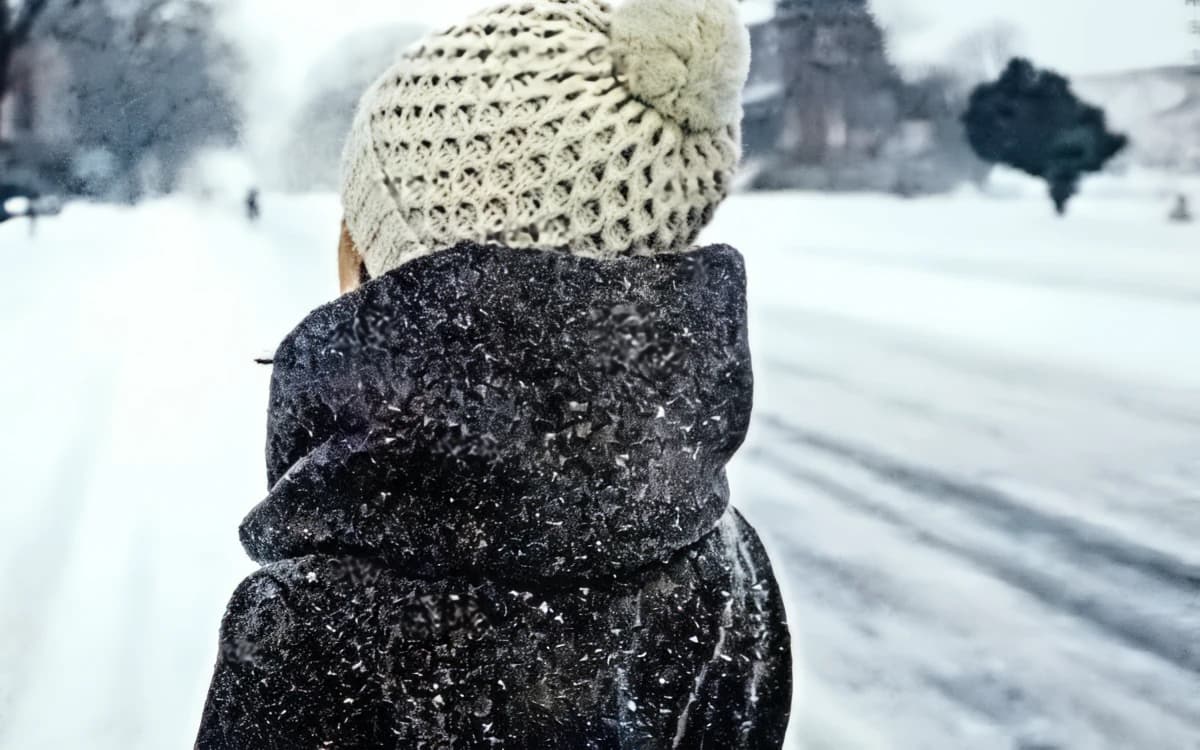
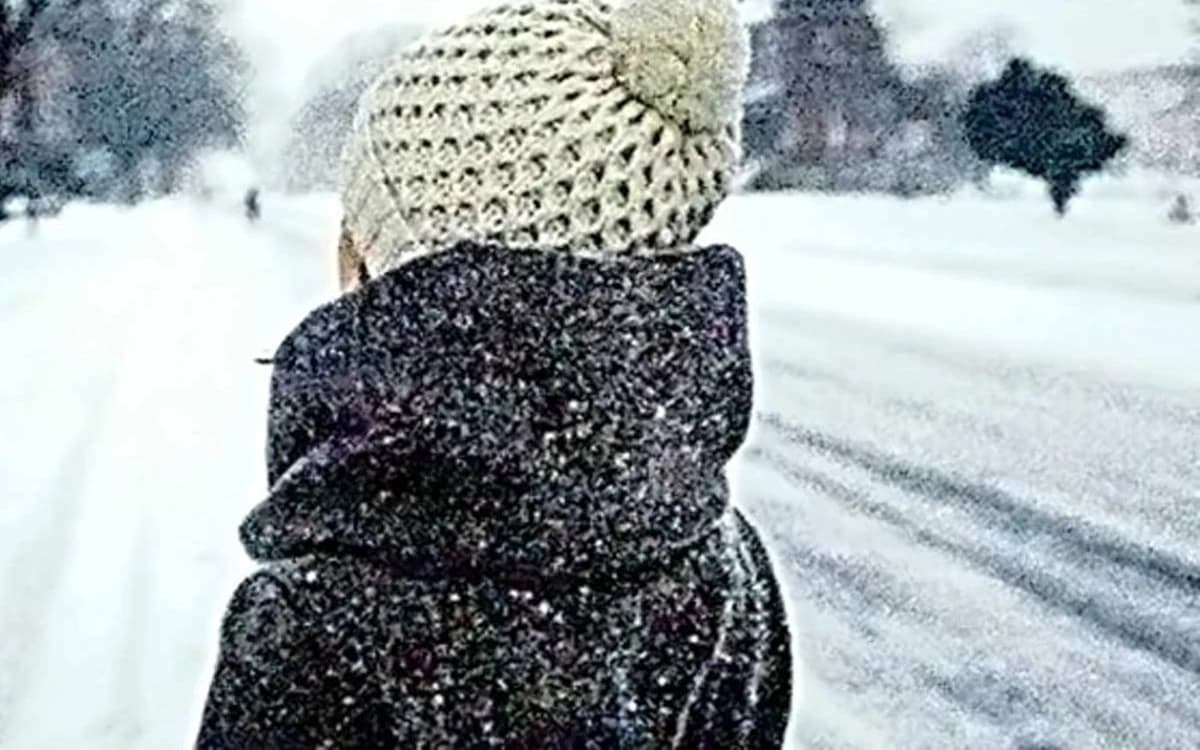
Knit hat in the snow: After
Knit hat in the snow: Before
BeforeAfter

Enhance · simulated phone photo · 100% crop

Knit hat in the snowLeft: a clean photo run through our phone simulator (low light, chat-app compression). Right: Enhance, same size. · Photo: Ashim D’Silva / Unsplash
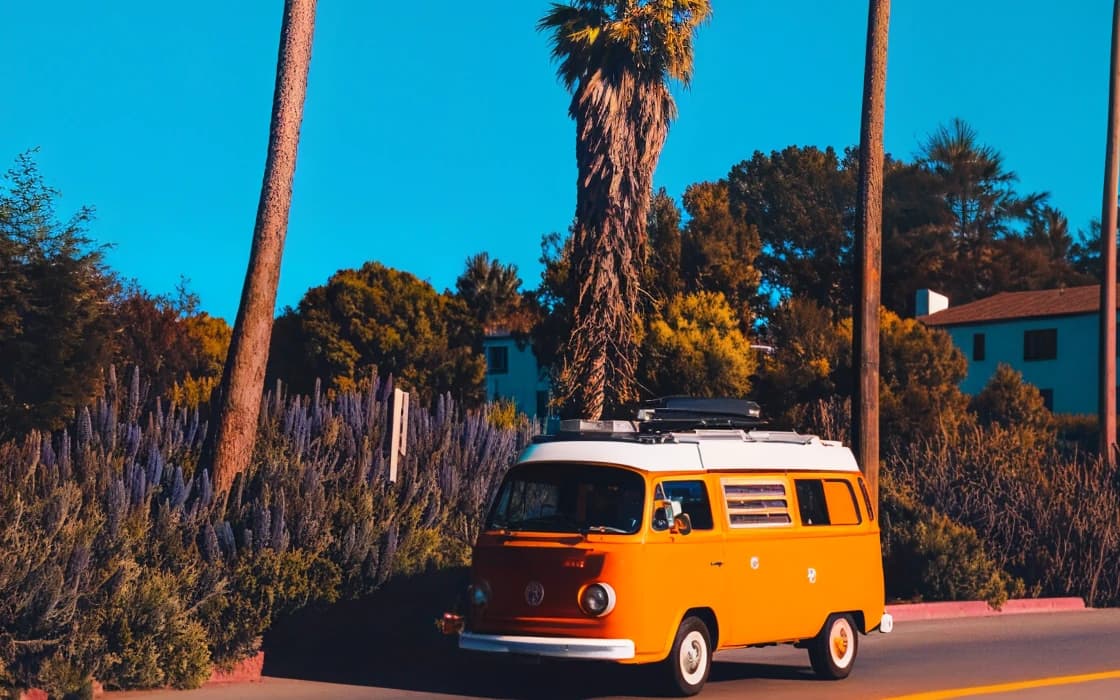
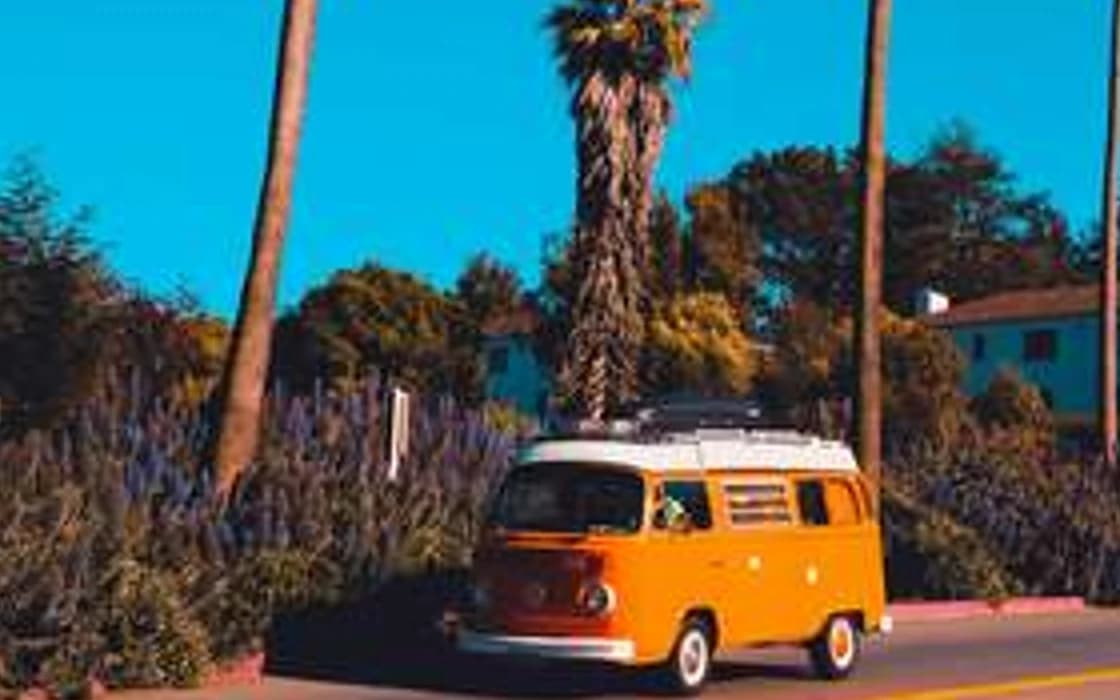
Palms against the sky: After
Palms against the sky: Before
BeforeAfter

Upscale 4× · 320×480 → 1280×1920 · 100% crop

Palms against the skyLeft: the 320 × 480 px original with a standard resize. Right: PhotoRescue Upscale 4×. · Photo: Jose Rago / Unsplash

What Bigjpg does well

Bigjpg has been enlarging images with neural networks for years, and it is still one of the cheapest ways to do it. Its own description puts anime images and illustrations front and centre, and that is where its approach works best: flat colours and clean lines stay crisp when enlarged, without the halos of a normal resize.

The prices are remarkable. When we checked, the Premium plan cost $22 for a whole year with 2,000 images a month, which works out at roughly a tenth of a cent per image. Paid plans also accept uploads up to 50 MB, go up to 16×, and process images in batch. If you upscale large numbers of drawings, that is excellent value.

Why photos are a different problem

Illustrations are mostly edges and flat areas. Photographs are mostly texture: foliage, fur, skin, stone, fabric, water. A good photo upscaler has to rebuild that texture so it looks natural at 100%, without turning it into the smooth, painted look that works for anime but not for a forest.

Real-world photos also arrive damaged. Phone photos taken indoors or at night carry grain and colour blotches, and photos received through WhatsApp or other chat apps carry compression blocks. Bigjpg offers a noise reduction setting, which helps with mild noise. Our Enhance model was trained specifically on the noise, smearing and compression phones and chat apps produce, and removes them at the same size before you decide whether to enlarge.

Our upscalers, 4× and 8×, were trained on photographs and judged at 100% on photographs. The crops on this page are real outputs, not retouched.
Cost per image, honestly

On price per image, Bigjpg wins clearly. Our Pro plan is $9.99 a month for 200 credits (about 5 cents per photo, or 10 cents for an 8× upscale, which uses 2 credits) and Pro+ $19.99 for 500 credits (about 4 cents), against fractions of a cent on Bigjpg's longer prepaid plans. If you upscale hundreds of illustrations a month, use Bigjpg.

What we offer instead is models trained on photographs, no settings to tune, and a free daily allowance so you can test on your own photo before you pay. Compare and decide.

How to compare Bigjpg and PhotoRescue on your own photo

Benchmarks on someone else's pictures tell you little about yours. A fair test takes ten minutes:

  1. Pick two or three photos you actually need to fix: the small one, the noisy one, the one with a face or text.
  2. Run each through Bigjpg and through PhotoRescue at the same scale. Our free plan needs no account; results carry a watermark, which does not get in the way of judging quality.
  3. Open both results side by side at 100% zoom, not fitted to the screen. Look at edges, faces, foliage and any lettering.
  4. Ask two questions: does it look natural, and is it still the same photo? Extra crispness that changes a face or invents letters is not an improvement.

Try PhotoRescue on your photo

Free: 3 free credits a day, no sign-up, watermarked, up to 3 MB / 8 MP. Choose Enhance for grainy or chat-app-compressed phone photos, Upscale 4× or 8× to make a photo bigger.

Questions

Is Bigjpg free?

It has a free tier: 20 images a month, up to 5 MB and 3000 × 3000 pixels, and up to 4× when we checked. 8× and 16× need a paid plan.

Is Bigjpg good for photos?

It accepts photos, but by its own description it works best on anime and illustrations. For photographs, especially noisy or compressed phone photos, a model trained on photos usually gives more natural texture. Test both on your photo.

Can PhotoRescue upscale anime and illustrations?

It will process them, but our models are trained and tested on photographs. For anime and line art, an illustration-focused tool such as Bigjpg is a sensible first choice.

Is PhotoRescue free?

Partly: 3 free credits a day, no sign-up, watermarked, up to 3 MB / 8 MP (1 credit per photo; Upscale 8× uses 2). Paid plans: Pro $9.99/month (200 credits), Pro+ $19.99/month (500 credits), without watermark and with uploads up to 20 MB / 30 MP.

What happens to my photos on PhotoRescue?

Uploads and results are deleted automatically within 24 hours. They are never used to train AI.