
Enhance
Grain, colour blotches and chat-app compression, removed in one pass. Same size, cleaner photo.
- 1×
- Same size
- 1
- Credit per photo
PhotoRescue removes grain and chat-app compression from phone photos and enlarges small images 4× or 8× with natural detail. Same scene, same colours, same faces.
Free · No sign-up · 3 free credits a day


Enhance · simulated phone photo · 1600×1067 · close-up
Too grainy or compressed: Enhance. Too small: Upscale 4× or 8×.
Grain, colour blotches and chat-app compression, removed in one pass. Same size, cleaner photo.
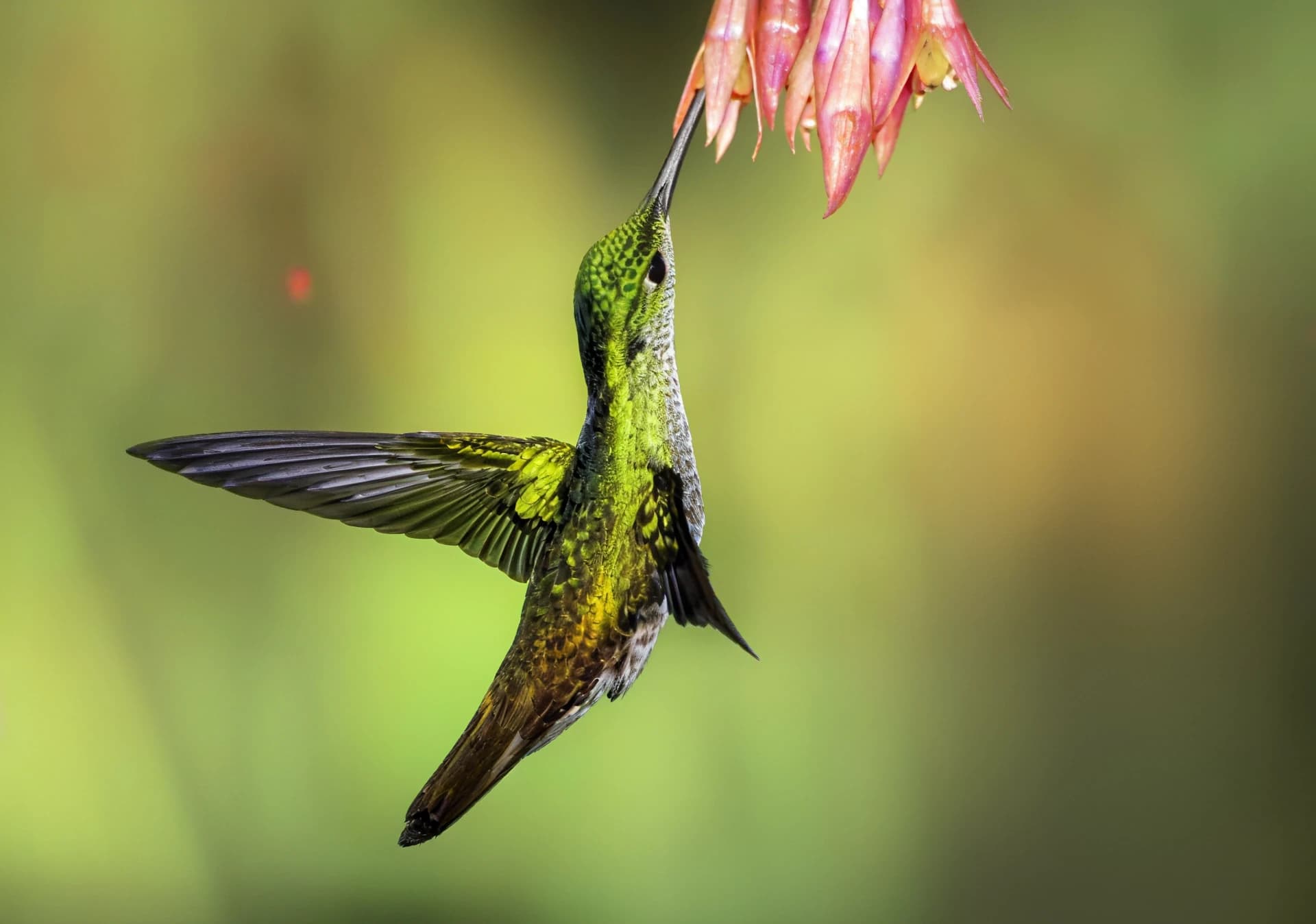
Four times wider and taller, with clean edges and natural texture instead of blur.

From a thumbnail to a poster. Eight times the width and height, for prints and big screens.
Start from what went wrong with the photo.
Processing photos in bulk or inside your own app? Use the image enhancement and upscaling API
Close-ups straight from our models. Hover or tap to see the before. Enhance inputs were made with our phone simulator and are labelled.
Many AI enhancers redraw the photo. They look at a soft face and paint a new one: smoother skin, sharper eyes, sometimes a slightly different person. Our models are trained to undo specific damage instead: sensor noise, phone smearing, JPEG compression and lost resolution. Faces, colours and composition stay as you shot them, and fine texture is added back only where the damage wiped it out.

This mountain photo was 320 pixels wide. At 8× the model rebuilds rock, water and frosted trees with natural texture, where a normal resize only spreads the blur.
Uploads and results are deleted automatically within 24 hours. They are never sold and never used to train AI.
Try any model with 3 free credits a day, no sign-up needed. Pro is $9.99 a month for 200 credits and Pro+ is $19.99 a month for 500, both without a watermark, with uploads up to 20 MB and 30 MP and batches of up to 50 photos. One photo uses 1 credit; Upscale 8× uses 2.
Free
$0
3 credits a day
Pro
$9.99
200 credits a month
Pro+
$19.99
500 credits a month
Yes. You get 3 free credits a day, with no sign-up and no card. One photo uses 1 credit, or 2 with Upscale 8×. Free results carry a watermark and free uploads are limited to 3 MB and 8 MP. Paid plans remove the watermark and raise the limits.
Grainy, smeared or chat-app-compressed phone photo: Enhance. Image too small for print or a big screen: Upscale 4× (inputs up to 5 MP). A thumbnail you want as a poster: Upscale 8× (inputs up to 1.25 MP). If a photo is both noisy and small, enhance it first and upscale the result.
Not for the free plan. You can upload and download without signing up. An account is only needed for a paid plan.
JPG, PNG and WebP. On the free plan each upload can be up to 3 MB and 8 megapixels; on paid plans up to 20 MB and 30 megapixels. Upscale 4× accepts images up to 5 MP and Upscale 8× up to 1.25 MP, because results are limited to 80 MP.
Usually from a few seconds to about a minute, depending on the model and the size of the photo. The first image after a quiet period can take longer while a GPU starts.
No. The models repair noise, compression and lost resolution, and they do not reshape eyes, skin or expressions. A face that is too small to make out in the original stays soft rather than being replaced.
They are processed on GPU servers to produce your result and deleted automatically within 24 hours. They are never sold and never used to train AI.
Yes. On the paid plans you can upload up to 50 images in one batch. On the free plan you process one photo at a time.
Yes. You can cancel from your account, and you keep your plan until the end of the period you have already paid for.
Paid plans include commercial use of your results, as listed on the pricing page. Free results carry a watermark.
Pick a model, drop a photo and compare the result before you download it.
4× or 8×? Use 4× for most photos. Choose 8× only for very small images (up to 1.25 MP) that must become very large.
Drop photos here or choose them
Tap to choose photos from your device
One photo at a time on the free plan.
Enhance
Cost: 1 credit