Skip to content

Honest comparison

Topaz Gigapixel alternative for occasional upscaling

Topaz Gigapixel is professional software with many models, local processing and up to 16×. If you upscale a few photos a month, or need to fix a phone photo, a web tool can be simpler and cheaper. An honest comparison.

  • Checked October 2026
  • Where they are better, too
  • No affiliate links

Facts about other products checked on 9 October 2026 on their own websites. Prices change; check before you buy. PhotoRescue is not affiliated with any product on this page.

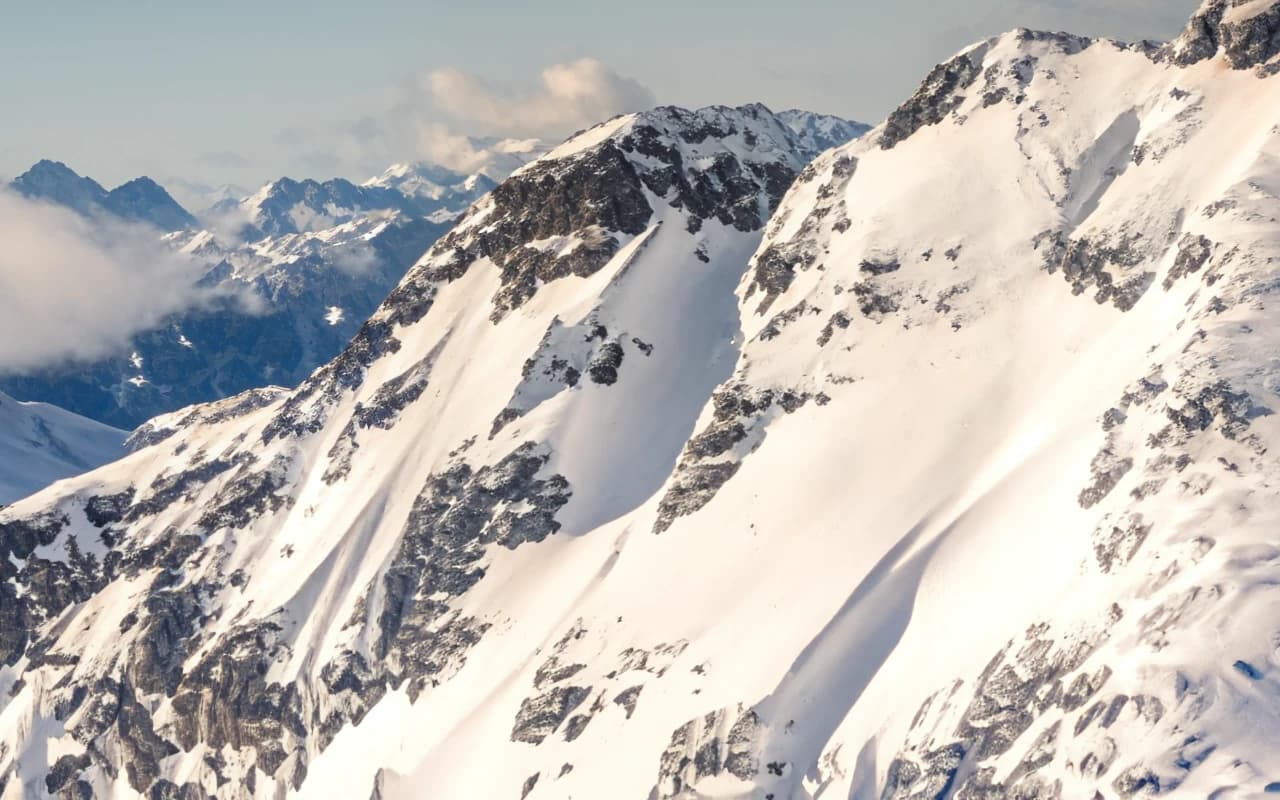
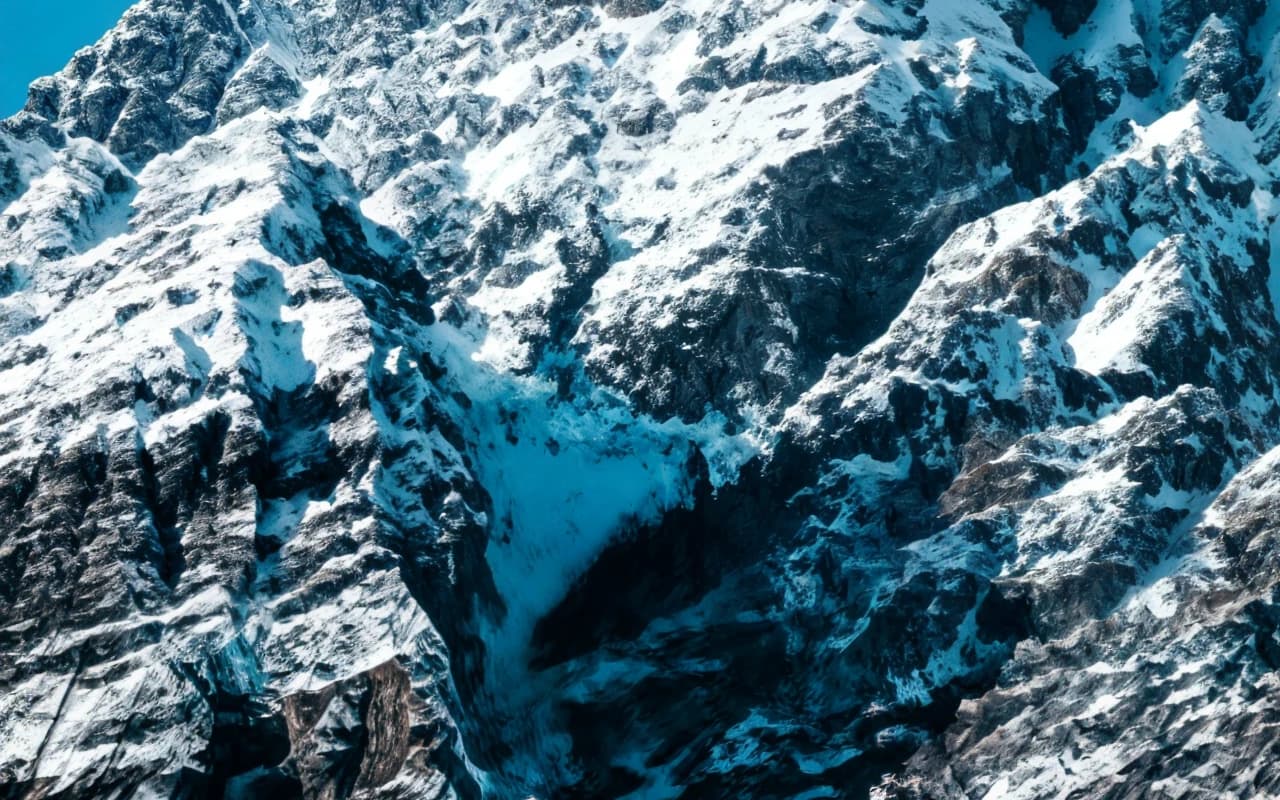
Snowy rock peaks: After
Snowy rock peaks: Before
BeforeAfter

Upscale 8× · 320×213 → 2560×1704 · 100% crop

Left: the 320 × 213 px original with a standard resize. Right: PhotoRescue Upscale 8×. · Photo: Francesco Ungaro / Unsplash

The short answer

Choose Topaz Gigapixel if…

  • You upscale professionally or in volume and want unlimited local processing.
  • You need more control: many models (including generative and face recovery) and scales up to 16×.
  • You need faces restored in small or old photos; Topaz has a dedicated face model, we do not.
  • You want desktop, web and iPhone apps under one account.

Choose PhotoRescue if…

  • You upscale a few photos a month and do not want an annual subscription.
  • You are on a phone, Chromebook or a computer without a strong GPU.
  • Your photos are noisy or compressed phone shots that need repair at the same size.
  • You want to try for free today without installing anything: 3 free credits a day, no account.

Topaz Gigapixel vs PhotoRescue

Topaz Gigapixel vs PhotoRescue
Topaz GigapixelPhotoRescue
Where it runsDesktop app for Windows 10/11 and macOS, plus web and an iPhone app (Topaz for Mobile)In the browser, on any device; nothing to install
PriceGigapixel: $149/year (or $29/month monthly, per its product page); Topaz Studio with all apps: $69/month or $399/yearPro $9.99/month (200 credits), Pro+ $19.99/month (500 credits); 3 free credits a day, no sign-up, watermarked, up to 3 MB / 8 MP
ScaleUp to 16×1× (Enhance), 4× (inputs up to 5 MP), 8× (inputs up to 1.25 MP)
ModelsMany, including Standard, High Fidelity, Low Res, Text & Shapes, Art & CG, Recover, Redefine, Wonder and Face RecoveryEnhance (same size: phone noise and chat-app compression), Upscale 4×, Upscale 8×
TrialTrial versions of Gigapixel cannot save images; refunds within 7 days (Topaz docs)Free tier with watermarked results
ProcessingLocal (unlimited) and cloudOur servers; deleted within 24 hours, never used to train AI

Sources: topazlabs.com/pricing, topazlabs.com/gigapixel and Topaz refund policy, checked 9 October 2026. Topaz's pricing and product pages showed slightly different monthly figures; we quote each from where it appeared.

What PhotoRescue's output looks like

100% crops from our own models, so you know what you are comparing against. We do not show Topaz Gigapixel results here: run your own photo through both instead (see below). More in the gallery.

Snowfield and ridge: After
Snowfield and ridge: Before
BeforeAfter

Upscale 8× · 320×214 → 2560×1712 · 100% crop

Snowfield and ridgeLeft: the 320 × 214 px original with a standard resize. Right: PhotoRescue Upscale 8×. · Photo: Ernest Imoesi / Unsplash
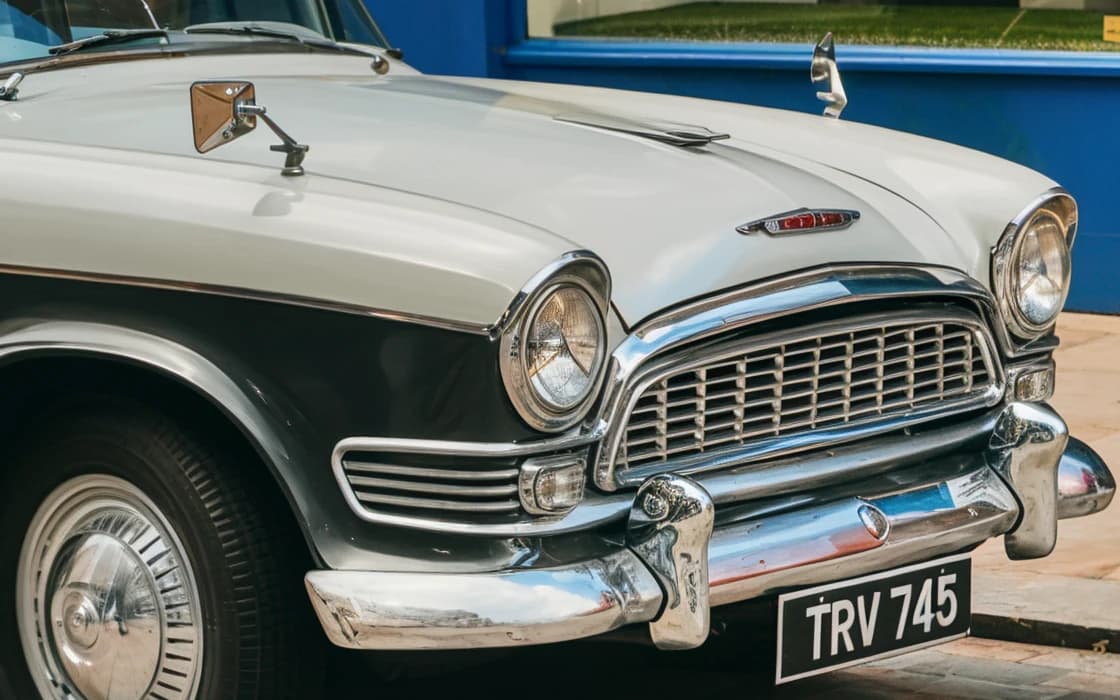
Vintage car on cobbles: After
Vintage car on cobbles: Before
BeforeAfter

Upscale 4× · 600×400 → 2400×1600 · 100% crop

Vintage car on cobblesLeft: the 600 × 400 px original with a standard resize. Right: PhotoRescue Upscale 4×. · Photo: Clem Onojeghuo / Unsplash
Red pagoda at night: After
Red pagoda at night: Before
BeforeAfter

Enhance · simulated phone photo · 100% crop

Red pagoda at nightLeft: a clean photo run through our phone simulator (low light, chat-app compression). Right: Enhance, same size. · Photo: cheng feng / Unsplash
Yellow house under cirrus: After
Yellow house under cirrus: Before
BeforeAfter

Upscale 8× · 320×213 → 2560×1704 · 100% crop

Yellow house under cirrusLeft: the 320 × 213 px original with a standard resize. Right: PhotoRescue Upscale 8×. · Photo: Donald Giannatti / Unsplash

What Topaz Gigapixel does well

Topaz Labs makes some of the most capable upscaling software available. Gigapixel offers a long list of models for different kinds of images, including generative models that redraw detail and a dedicated face recovery model, scales up to 16×, and runs locally on Windows and macOS with unlimited processing. It is now part of a family that also includes web and iPhone apps.

For photographers, studios and anyone who upscales every week, that control and unlimited local rendering are worth the price. If you need faces in small or old photos brought back, Topaz has a tool for it and we do not: we have no face model, and ours are not designed to reconstruct faces.

The cost for occasional use

Topaz sells its apps as subscriptions. When we checked, Gigapixel on its own was $149 a year, and Topaz Studio, which bundles all their apps, was $69 a month or $399 a year. Topaz's documentation says trial versions of Gigapixel cannot save images and that refunds are available within 7 days.

If you need to enlarge a handful of photos for a print or two, that is a lot of software. PhotoRescue Pro costs $9.99 for a month with 200 credits, which you can cancel, and 3 credits a day are free without an account, so you can check the result on your own photo before paying anything.
Where PhotoRescue is different

We offer three main models and no settings. Enhance repairs grainy, smeared and chat-app-compressed phone photos at the same size. Upscale 4× and Upscale 8× enlarge photos up to 80 MP, and our print calculator tells you which one a print needs.

It runs in the browser, so it works the same on a phone, a Chromebook or an old laptop. The flip side: you cannot tune it, there is no face model, no 16×, and photos are processed on our servers (and deleted within 24 hours) rather than on your machine.

How to compare Topaz Gigapixel and PhotoRescue on your own photo

Benchmarks on someone else's pictures tell you little about yours. A fair test takes ten minutes:

  1. Pick two or three photos you actually need to fix: the small one, the noisy one, the one with a face or text.
  2. Run each through Topaz Gigapixel and through PhotoRescue at the same scale. Our free plan needs no account; results carry a watermark, which does not get in the way of judging quality.
  3. Open both results side by side at 100% zoom, not fitted to the screen. Look at edges, faces, foliage and any lettering.
  4. Ask two questions: does it look natural, and is it still the same photo? Extra crispness that changes a face or invents letters is not an improvement.

Try PhotoRescue on your photo

Free: 3 free credits a day, no sign-up, watermarked, up to 3 MB / 8 MP. Choose Enhance for grainy or chat-app-compressed phone photos, Upscale 4× or 8× to make a photo bigger.

Questions

Is there a free alternative to Topaz Gigapixel?

Free desktop options such as Upscayl exist if you have a suitable GPU. Web tools such as PhotoRescue offer a few free images a day (ours: 3 credits a day, watermarked, no sign-up).

Can I still buy Topaz Gigapixel once?

Topaz's pricing pages showed subscription plans when we checked (Gigapixel $149 a year; Topaz Studio $399 a year). Check their site for current options.

Does PhotoRescue have face recovery like Topaz?

No. Our models are not designed to reconstruct faces, and a face that is only a few pixels wide stays soft. For badly degraded faces, Topaz's face model is the better tool.

Is PhotoRescue free?

Partly: 3 free credits a day, no sign-up, watermarked, up to 3 MB / 8 MP (1 credit per photo; Upscale 8× uses 2). Paid plans: Pro $9.99/month (200 credits), Pro+ $19.99/month (500 credits), without watermark and with uploads up to 20 MB / 30 MP.

What happens to my photos on PhotoRescue?

Uploads and results are deleted automatically within 24 hours. They are never used to train AI.